How to Login
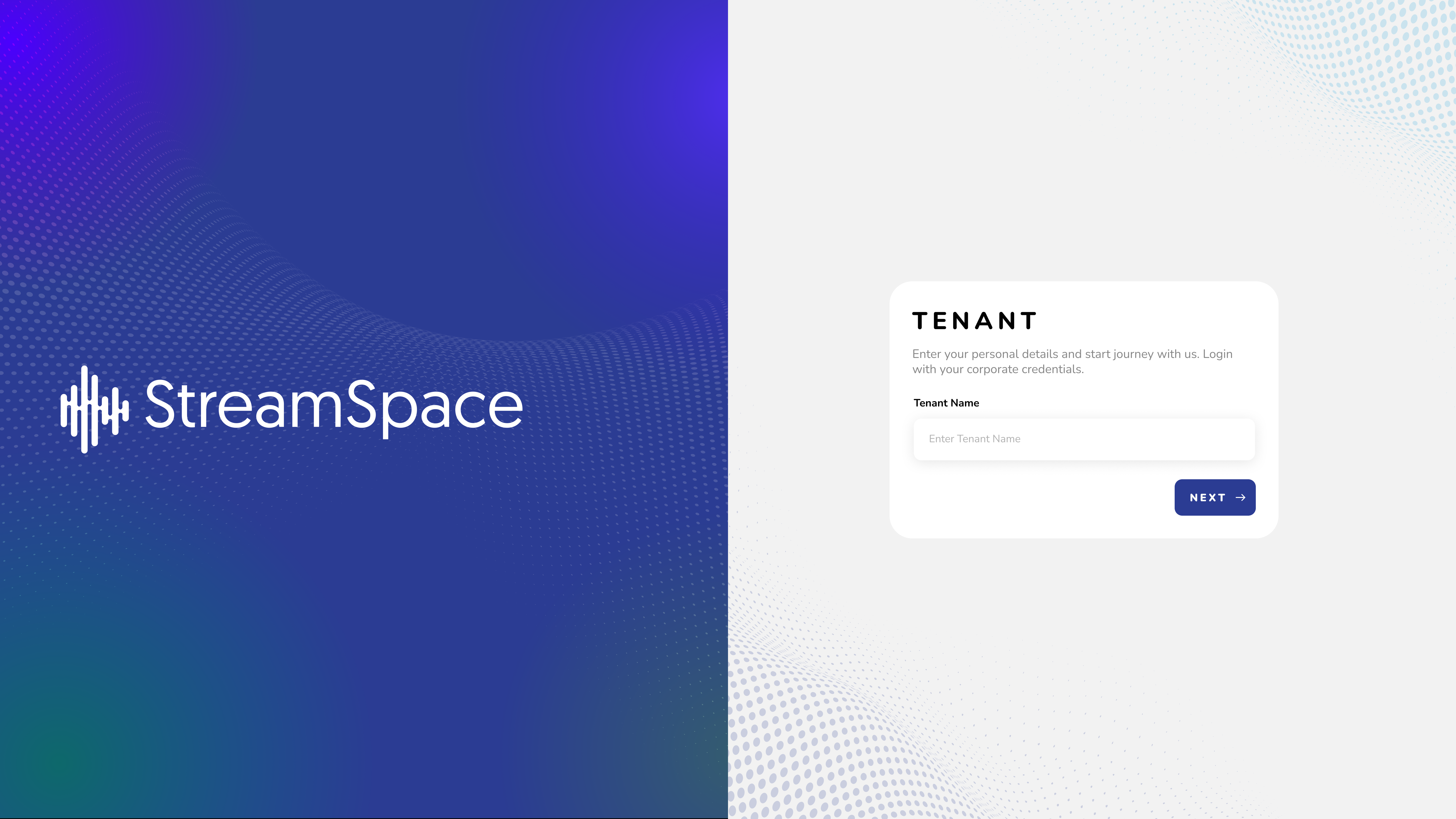
1. Access the system login page.
2. Enter Tenant Name and Click on the 'NEXT' button.
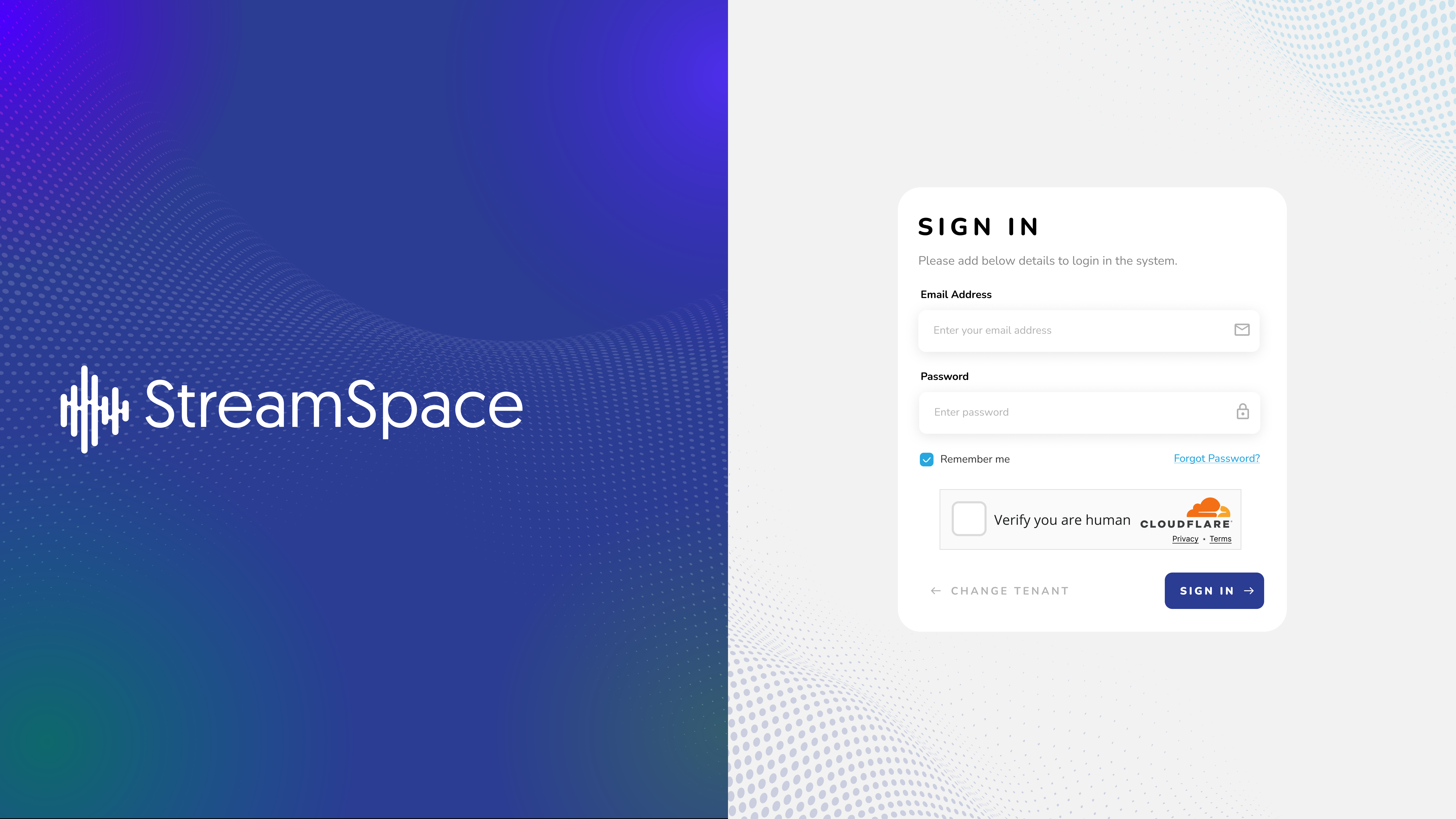
1. Enter your credentials:
- Username: The username created during admin setup
- Password: The password set during admin setup
2. Click 'SIGN IN' or press Enter
3. Once your credentials are successfully verified, you will be redirected to the Dashboard screen